You can cancel your Notiondesk subscription yourself at any time, no need to contact support. Cancelling stops future charges and unsubscribes you from your current plan.
Cancel your subscription
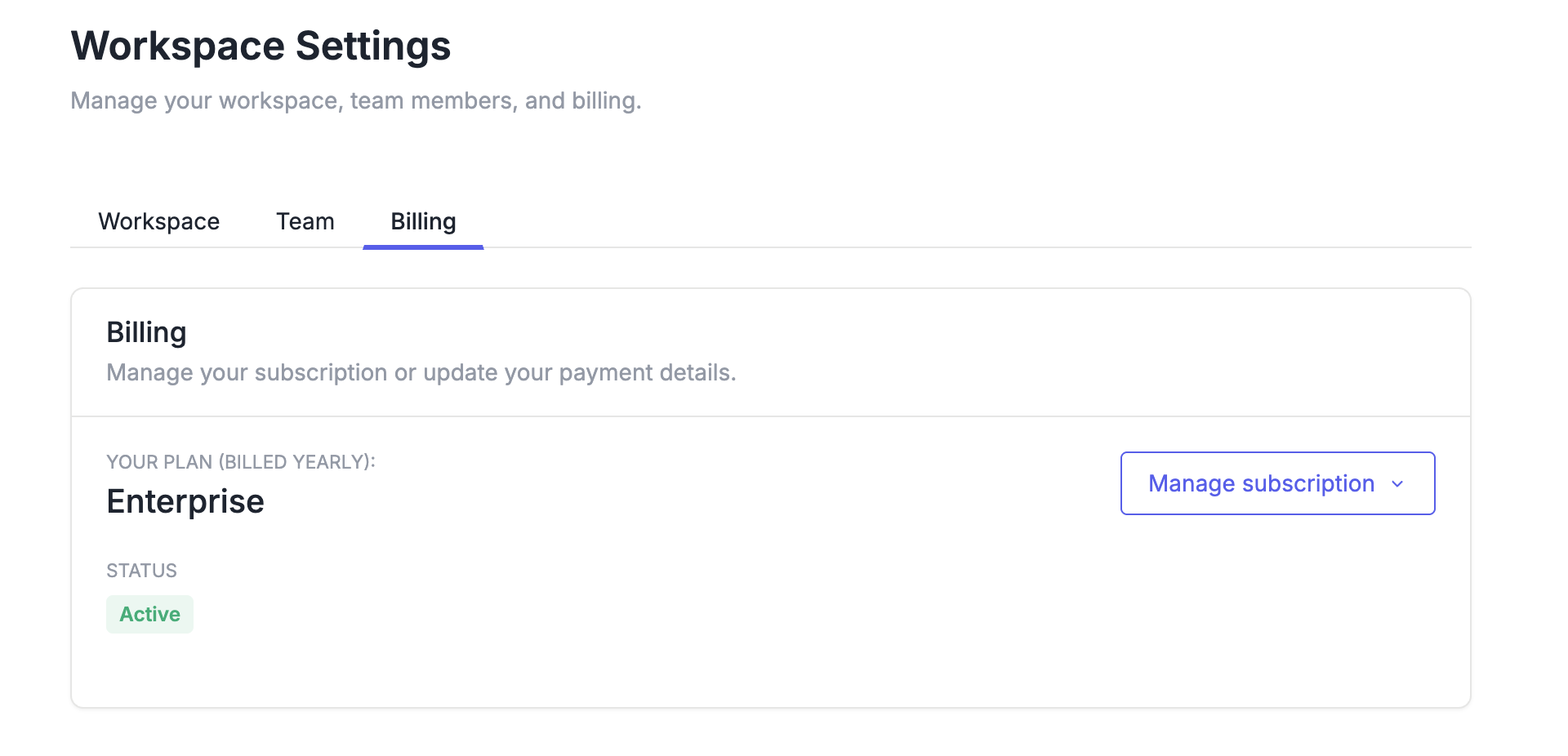
- Go to Workspace Settings and open the Billing tab. This is where you manage your workspace, team members, and billing.
- Click Manage subscription. You'll be redirected to a secure Stripe page.
- Click Cancel plan.
- Confirm the cancellation.
Once confirmed, you'll receive a confirmation email and your billing page will show the date your plan ends.

What happens after you cancel
Your subscription stays active until the end of the period you have already paid for, so you keep access to your paid features until that date. After it ends, your help center moves to the free plan.
Your articles and collections stay in your Notion workspace either way, cancelling a Notiondesk subscription never deletes content from Notion.
Changing plan instead of cancelling
If the plan is more than you need rather than something you want to stop entirely, you can switch to a smaller plan from the same billing page using Change plan. This keeps your help center live and adjusts what you pay at your next renewal.