Changelogs

Follow up on the latest improvements and updates.

Features

AI Chatbot now uses per-resolution pricing. You're only charged when the chatbot actually resolves a visitor's question, not for every message or failed attempt. Each resolution costs $0.49, and every plan includes 30 free resolutions per month. Set a monthly cap to stay in control of your spending.

Learn more about resolutions and billing

Improvements

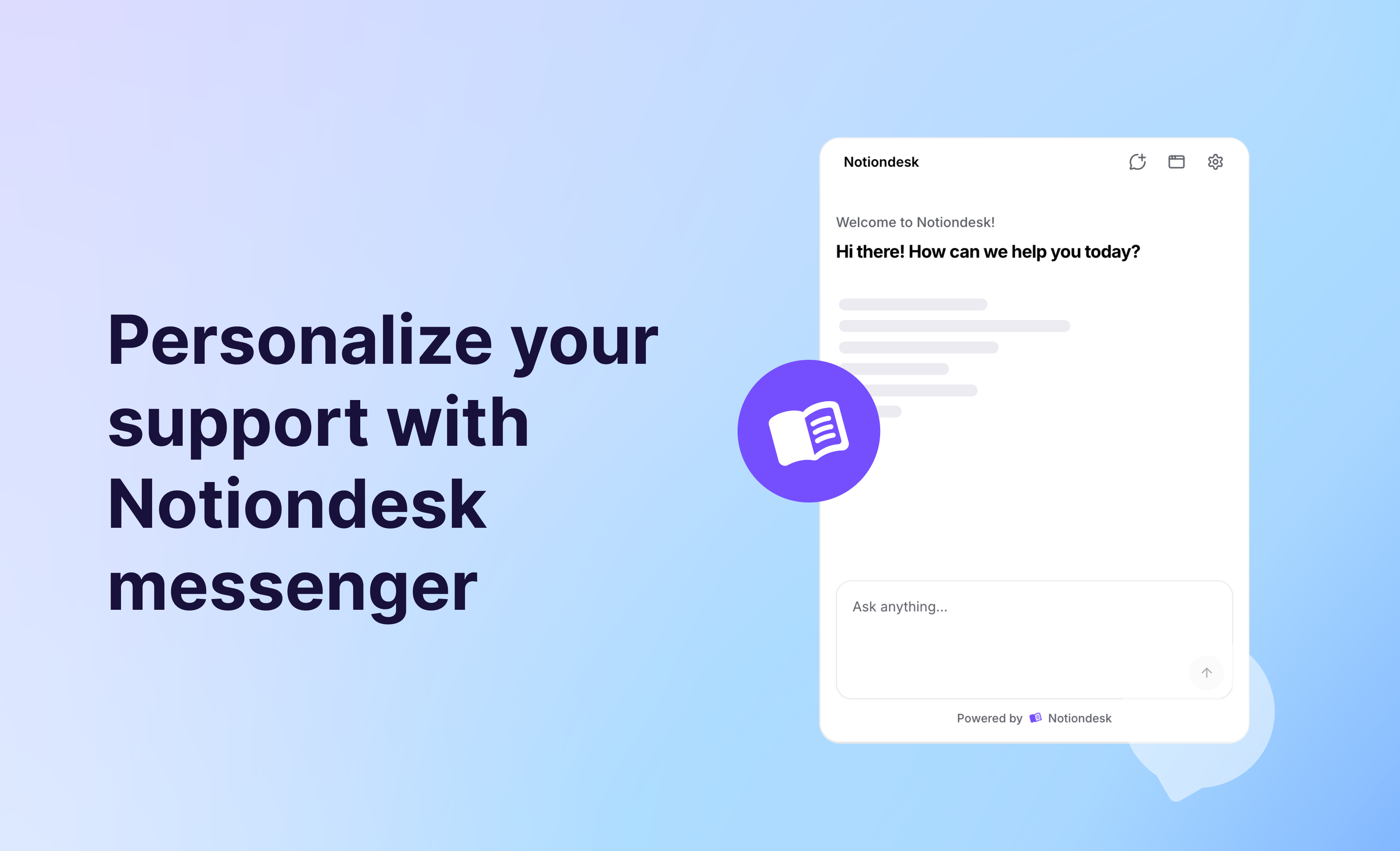
We've rolled out a major upgrade to Notiondesk Chat!

Here's what's new:

  • 10× faster responses: Quicker replies, so your users get the answers they need with less waiting
  • Redesigned chat experience: A fresh, cleaner look that feels easier and more intuitive to use
  • In-line paragraph citations: Citations now appear right beside paragraph, making it easier for users to trace sources while reading

This update makes the AI chatbot not only faster but also more transparent and helpful for your support content!

Improvements

You can now choose to display the article author and publish date on your help center pages.

These new visibility options can be enabled or disabled in your theme customization settings under Article Page.

Features

Your help center is now AI-ready!

We've introduced a new AI Optimization settings in the dashboard with three options:

  • LLMs TXT: Automatically generates llms.txt and llms-full.txt files to make your content easier for AI tools to index.
  • Markdown Export: Quickly get clean Markdown versions of your articles, perfect for AI parsing or sharing with your team.
  • AI Contextual Menu: Add one-click integrations to open docs in ChatGPT, Claude, or Perplexity with your content preloaded.

These features make your documentation easier to discover and more useful in AI-powered search engines and assistants.

👉 Learn more in our full guide: How to set up AI Optimization in Notiondesk

Features

You can now add a dedicated changelog page to your help center to share product updates, new features, and improvements with your users.

Visitors can subscribe to your changelog and automatically receive notifications whenever you publish a new update — keeping your customers engaged and informed.

👉 Learn how to set it up: Setting up changelogs on your help center