Update your password in a few clicks, or reset it if you can't log in.

Quick path: click your name at the bottom of the left sidebar, then Your profile.
Change your password
- Click your name at the bottom of the left sidebar, then click Your profile.
- In Password, type your new password in New password. Use at least 8 characters.
- Type it again in New password confirmation.
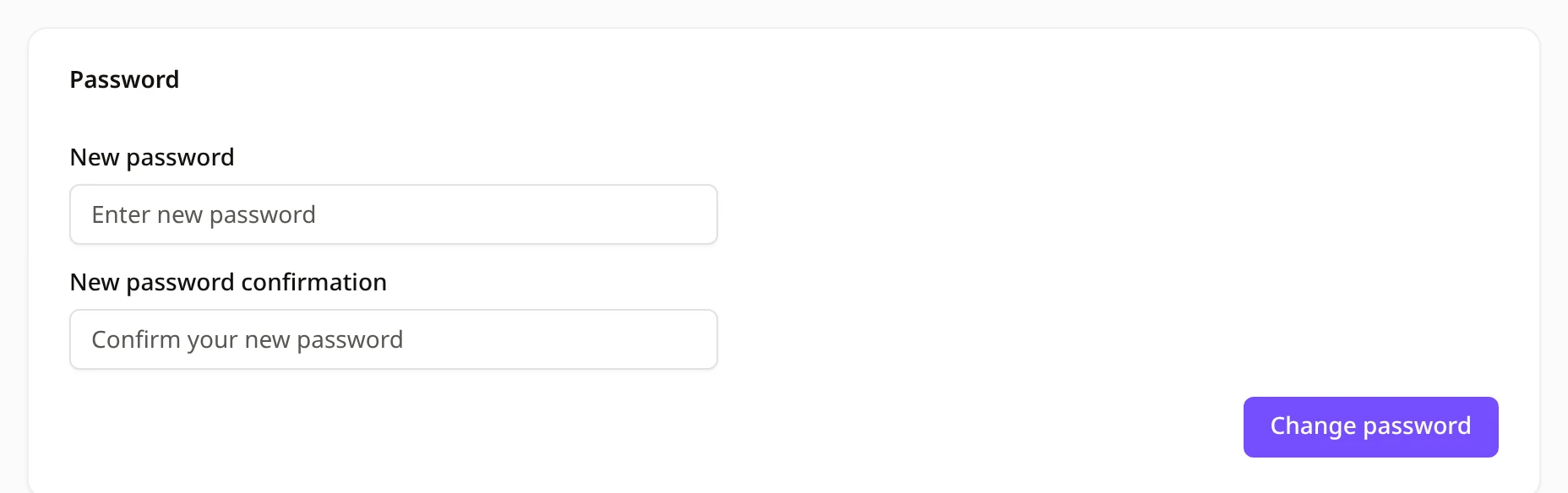
- Click Change password.
You'll see "Password changed successfully!" Use your new password the next time you log in.
Forgot your password?
- On the login page, click Forgot password?
- Enter your Email and click Forgot password.
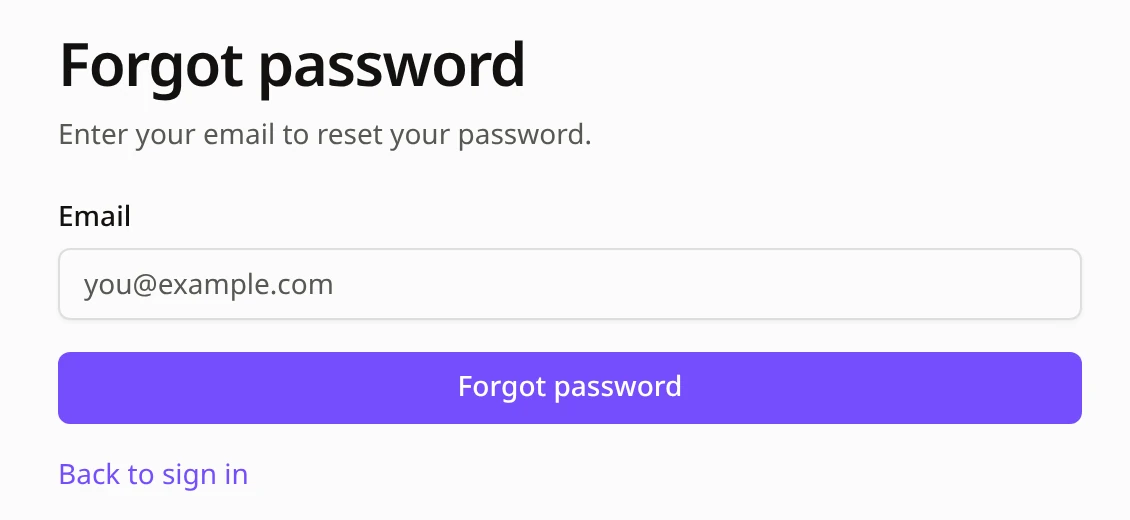
- Open the email we send you and click the reset link.
- Type your New password, type it again in Confirm password, then click Change password.
Tips
- Link expired? If you see "The reset password link is invalid or expired.", click Forgot password? again to get a new link.
- No email? Check your spam folder. Still nothing? Contact us and we'll help you get back in.
- Signed up with Google? Click Log in with Google on the login page.