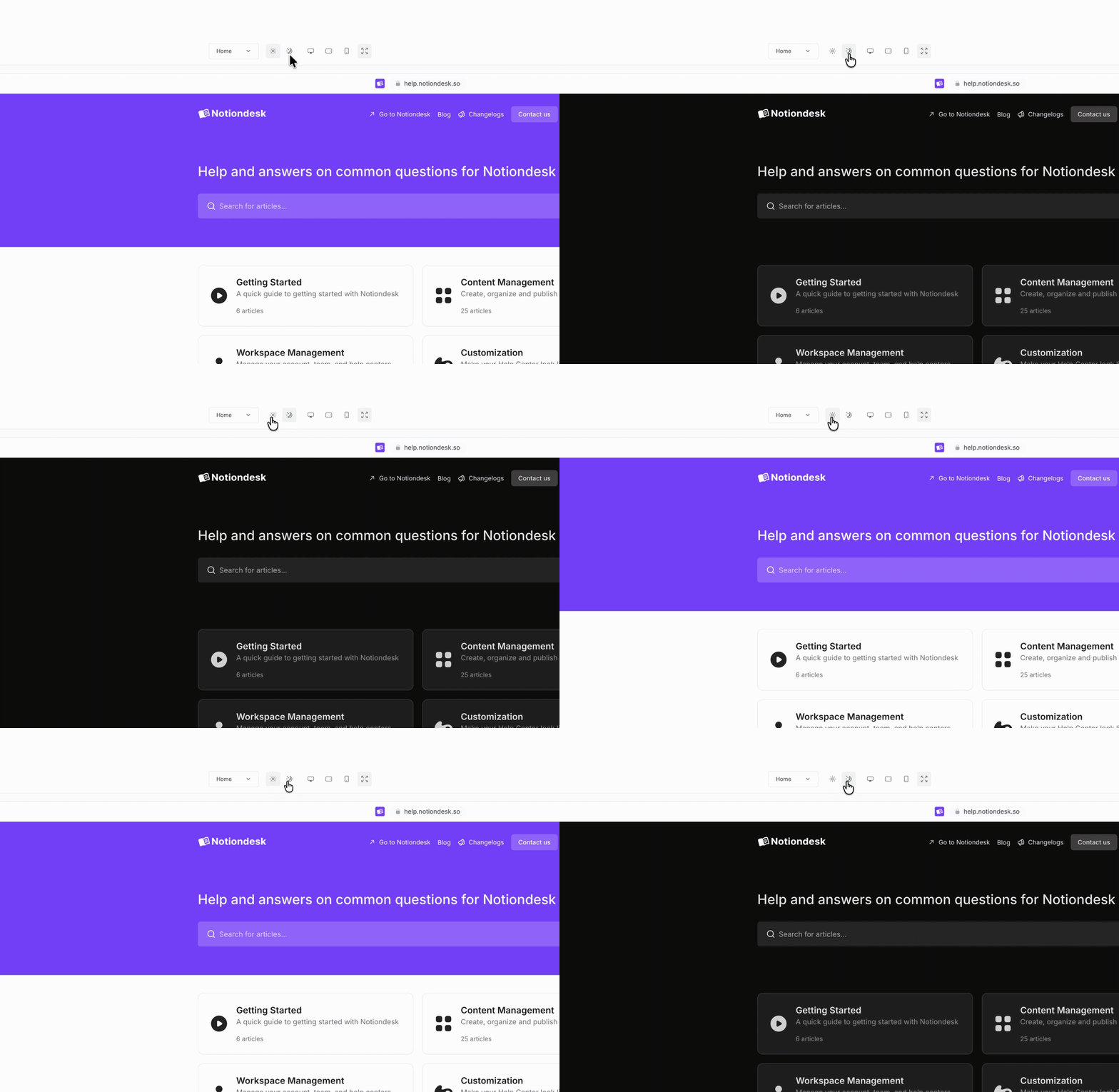
You can now preview your help center in dark mode while customizing it!
Switch between light and dark mode directly from the customization preview to check your branding, colors, and layout before saving.
Go to Settings > Customize to try it.
You can now preview your help center in dark mode while customizing it!
Switch between light and dark mode directly from the customization preview to check your branding, colors, and layout before saving.
Go to Settings > Customize to try it.