Integrate HelpScout Beacon with your Notiondesk Help Center to offer real-time support and engage with your users. This guide explains how to set up the HelpScout integration.
Add HelpScout Beacon
To connect HelpScout with Notiondesk:
- Navigate to Settings and then the Integrations tab.
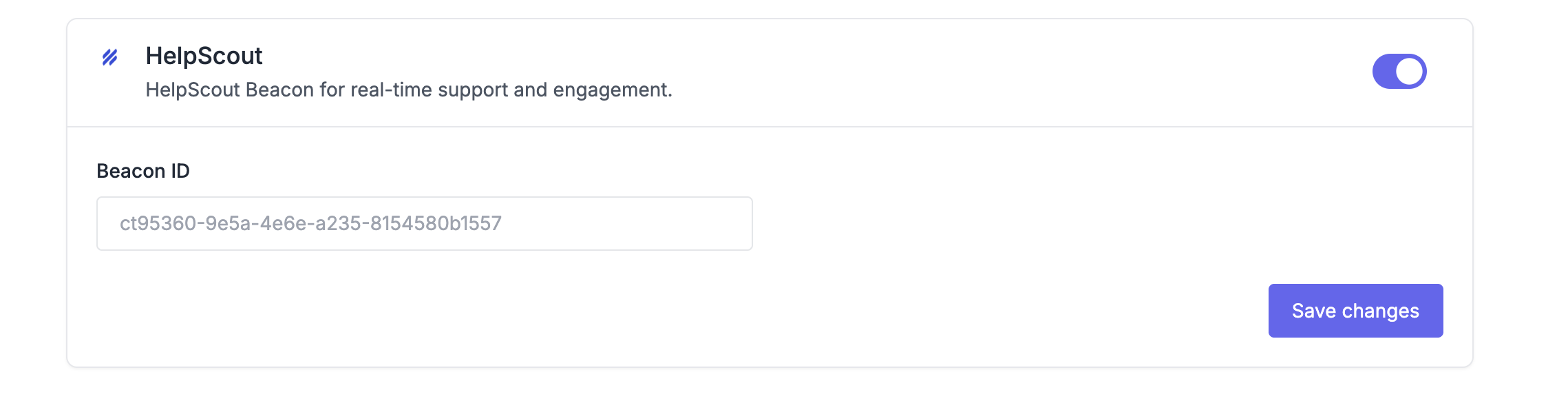
- Locate the HelpScout section and click on the toggle to turn on the integration.
- Enter your Beacon ID in the designated field.
Finding Your Beacon ID
To find your Beacon ID in HelpScout:
- Log in to your HelpScout dashboard.
- Go to Manage → Beacons.
- Select the Beacon you'd like to connect (or create a new one).
- Click on Installation.
- Copy your Beacon ID from the embed code.

Your Beacon ID should look similar to this: ct95360-9e5a-4e6e-a235-8154580b1557