You can change an endpoint at any time from its page: edit its URL, name or events, rotate its signing secret, turn it off for a while or delete it.

Before you start
You are the workspace owner or an Admin. Other roles cannot open the Webhooks page.
Edit an endpoint
- Go to Settings > Developers > Webhooks and click the endpoint.
- Change the URL or the Name.
- Under Events, click Add an event to add events, or click the cross next to an event to remove it. Keep at least one event.
- Click Save changes.
New events use the updated settings. When you change the URL, its failure count starts over, and retries that are already planned go to the new URL.
Rotate the signing secret
Rotate the secret if it may have leaked, or if you lost it.
- On the endpoint page, under Signing secret, click Rotate.
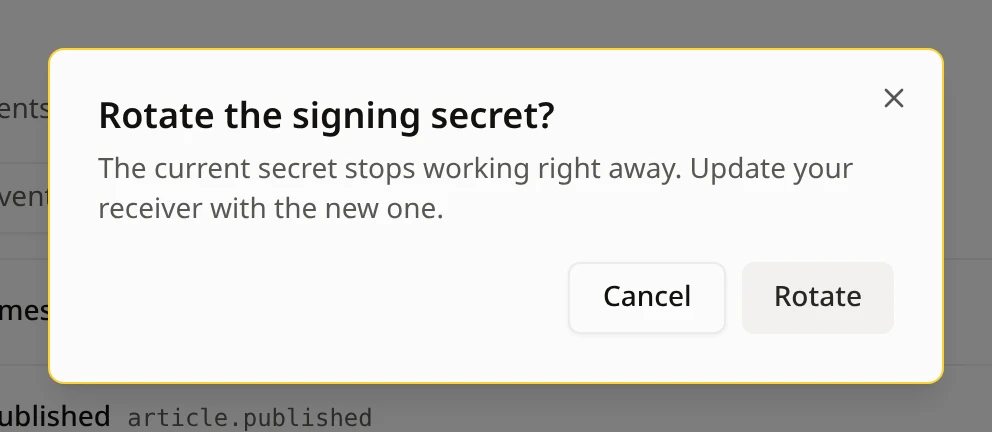
- Click Rotate to confirm.
- Click Copy, store the new secret on your server, then click I saved it.

Verify that a webhook comes from Notiondesk shows how your server uses the secret.
Disable or enable an endpoint
Disable an endpoint to stop sending it events without deleting it, for example while you work on your server.
- On the endpoint page, click More actions (...).
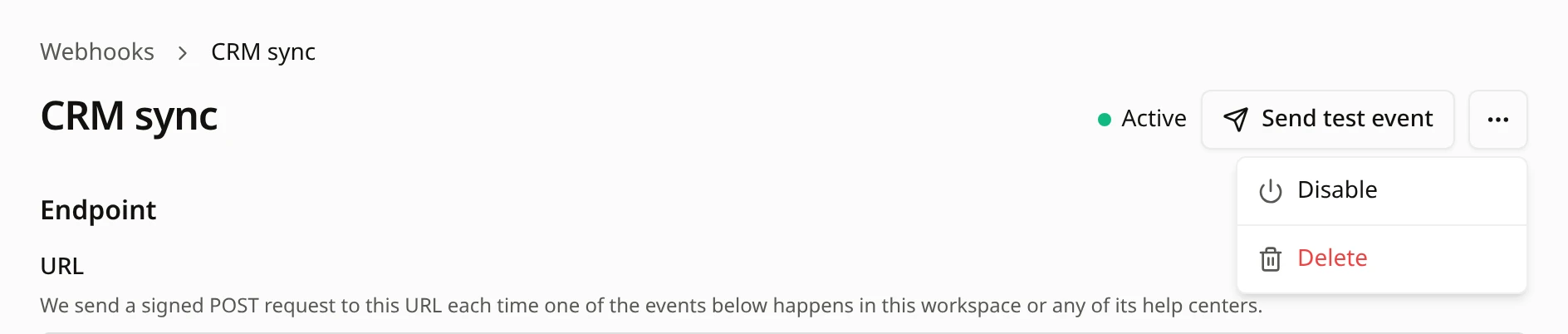
- Click Disable.
The endpoint shows Disabled. While it is disabled:
- It receives no events. Events that happen in the meantime are not saved and are never sent, even after you enable it again.
- Retries that were already planned are canceled.
- You can still click Send test event.
To turn it back on, click More actions (...), then Enable. It receives new events again, and its failure count starts over.
If the endpoint shows Paused, Notiondesk turned it off after repeated failures. Click Resume once your server works. Check webhook deliveries and fix failures explains why endpoints get paused.
Delete an endpoint
- On the endpoint page, click More actions (...).
- Click Delete.
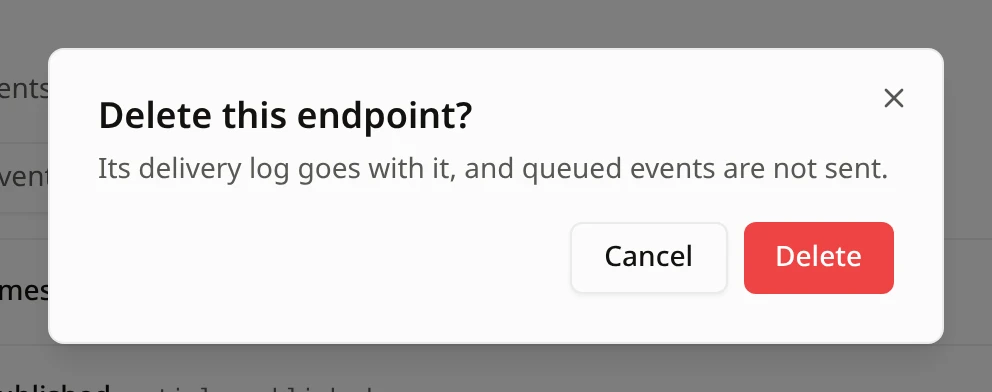
- Click Delete to confirm.
Common questions
Do I lose events while an endpoint is disabled?
Yes. Events that happen while it is disabled are never sent. If you only need to change the URL or the events, edit the endpoint instead.
Can I see the old signing secret after rotating?
No. Each secret is shown once, when you add the endpoint or rotate the secret. The endpoint page shows only its first characters.
Does changing the events affect past deliveries?
No. Past deliveries stay in Recent deliveries. Only events that happen after you save use the new list.
Can I restore a deleted endpoint?
No. Add a new endpoint with the same URL and events. It gets a new signing secret.