Notiondesk AI Chatbot automatically answers visitor questions using your help center articles. It handles repetitive support questions 24/7, so your team can focus on complex issues that actually need human attention.
Overview
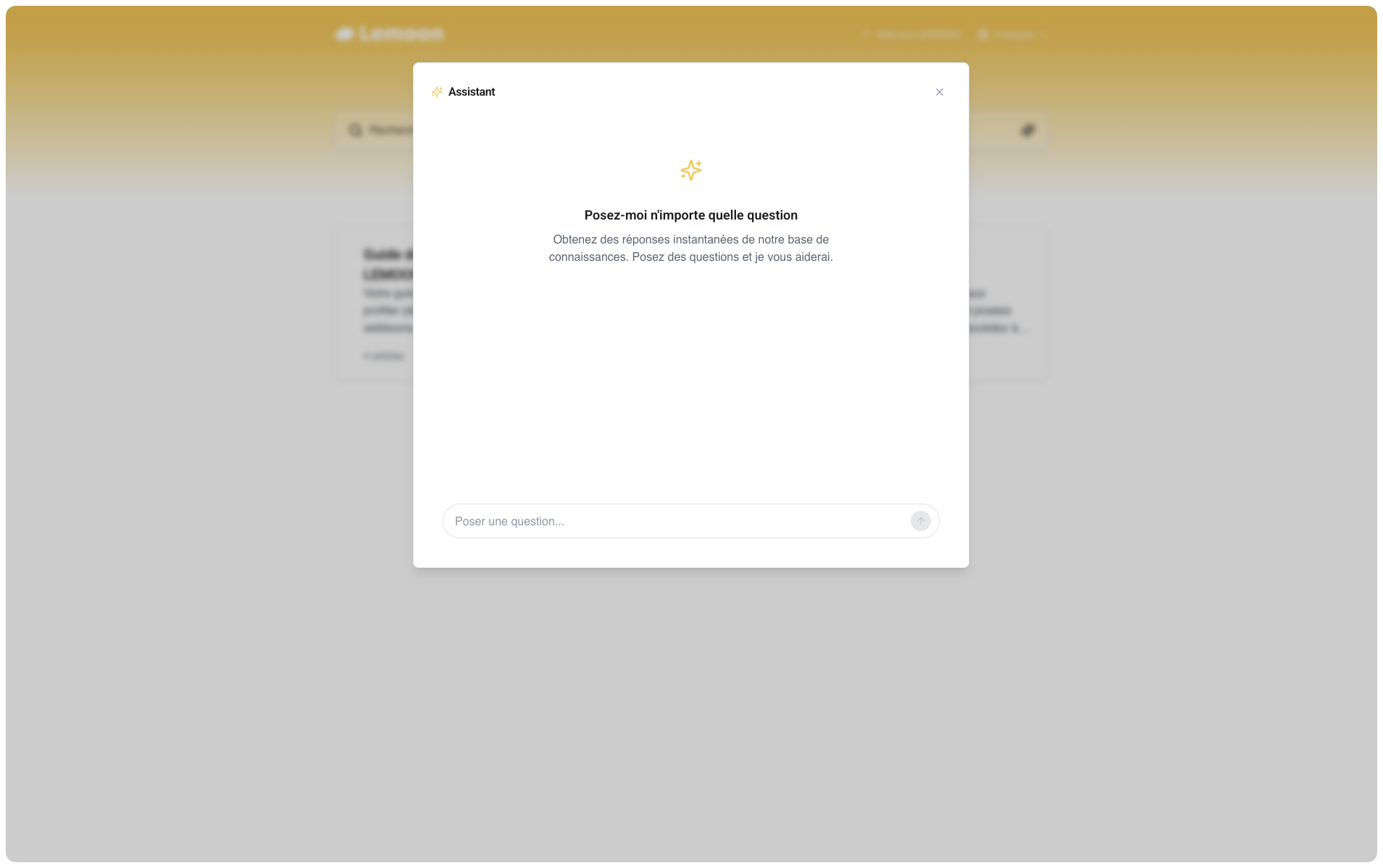
The AI Chatbot turns your existing help center into an intelligent support assistant. It reads and understands all your published articles, then uses that knowledge to answer visitor questions in natural language.
Unlike traditional search that returns a list of articles, the AI Chatbot provides direct answers. Visitors ask a question like "How do I connect my custom domain?" and get a clear, conversational response with links to the relevant articles for more detail.
The chatbot appears through AI Search on your help center. When visitors search, they see AI-powered answers alongside traditional search results. No separate chat widget, no extra interface to learn.
Key benefits:
- Instant answers 24/7 - Visitors get help immediately, even outside business hours
- Zero training required - The chatbot learns from your published articles automatically
- Reduces support volume - Common questions get answered without human intervention
- Always up to date - Update an article, and the chatbot knows about it on the next sync
- Multilingual support - Works with all languages configured in your help center
What can the AI Chatbot help with?
The chatbot handles the questions your team answers over and over again. Here are examples of what it can resolve automatically:
Answer how-to questions
Visitors frequently need step-by-step guidance. The chatbot can walk them through processes using information from your articles.
Example questions:
- "How do I set up a custom domain?"
- "How can I add my logo to the help center?"
- "How do I translate my articles?"
Explain features and concepts
When visitors want to understand what something does or how it works, the chatbot provides clear explanations based on your documentation.
Example questions:
- "What are collections and how do they work?"
- "What's the difference between draft and published status?"
- "Can I have multiple help centers?"
Troubleshoot common issues
The chatbot can guide visitors through solutions to frequently encountered problems.
Example questions:
- "My custom domain isn't working"
- "Articles aren't syncing from Notion"
- "The search isn't finding my articles"
Direct visitors to the right resources
When visitors need something specific, the chatbot points them to the exact article or feature they need.
Example questions:
- "Where can I change my billing information?"
- "How do I contact support?"
- "Where are my analytics?"
How visitors experience it
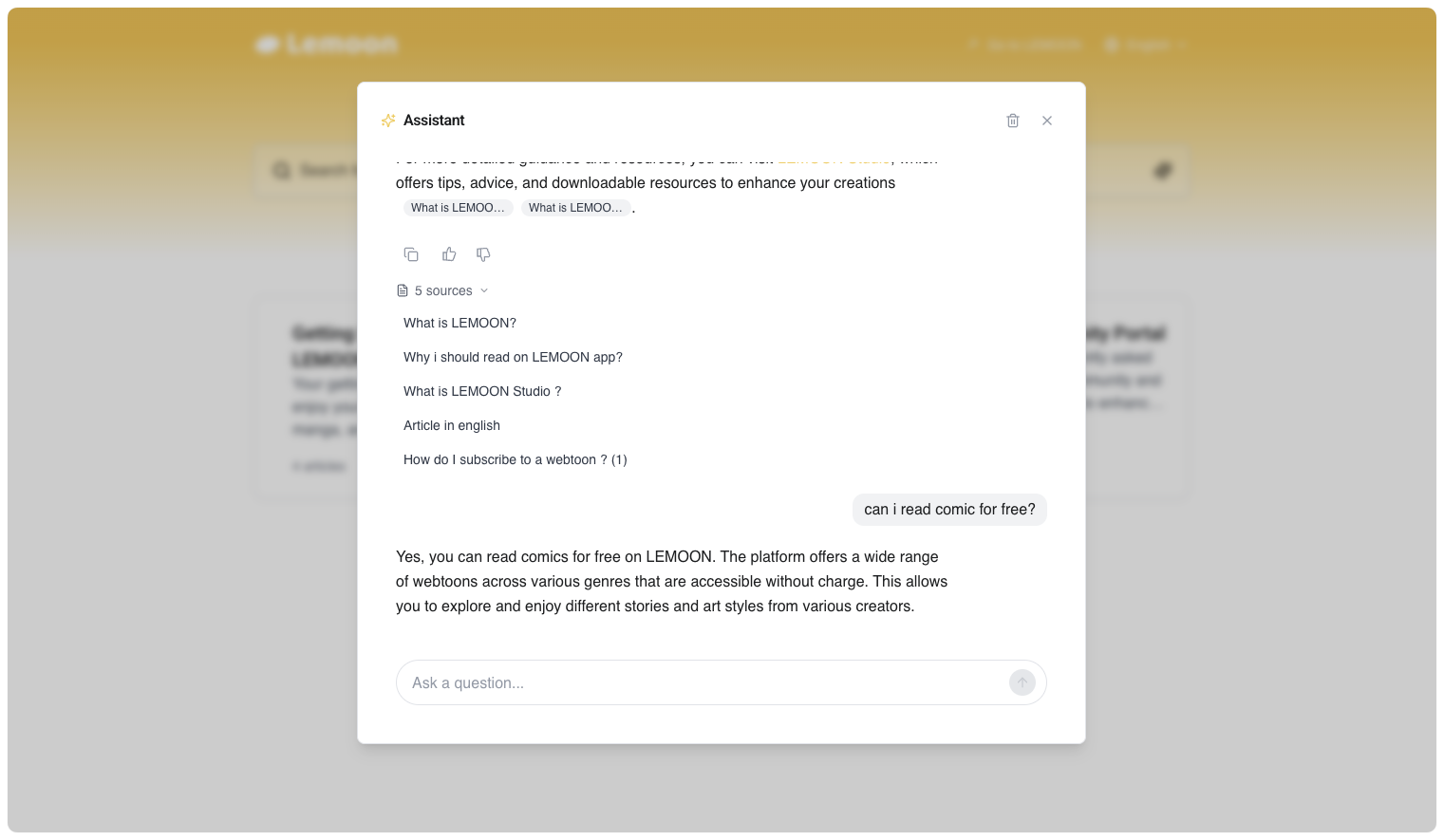
When a visitor searches on your help center with AI Search enabled:
- They type a question - Natural language works best, like "How do I add password protection?"
- AI generates an answer - The chatbot reads your articles and crafts a relevant response in seconds.
- Sources are displayed - Links to the articles used appear below the answer, so visitors can read more or verify the information.
- They can ask follow-ups - The conversation continues naturally if they need clarification.
- Feedback is collected - Thumbs up/down reactions help you identify what's working and what needs improvement.
How it stays accurate
The AI Chatbot only answers based on your published articles, it doesn't make things up.
When you update an article in Notion and sync your help center, the chatbot automatically has access to the new information. There's no separate training step or content upload required.
If the chatbot doesn't have enough information to answer a question confidently, it tells the visitor and suggests they contact support or browse related articles instead.
What you can customize
The AI Chatbot adapts to your brand and communication style:
- Name - Give it a custom name that fits your brand
- Tone of voice - Choose from friendly, professional, neutral, or other styles
- Answer length - Set responses to be concise, standard, or thorough
- Custom instructions - Add specific guidelines for how the chatbot should respond
You can also restrict access to logged-in users only if you have a private help center.
Get started
Setting up the AI Chatbot takes just a few minutes:
- Enable the chatbot in AI Chatbot → Settings
- Turn on AI Search in Settings → Customize → AI Chatbot
- Choose your display mode
The chatbot immediately starts using your published articles to answer visitor questions.